AI Data Entry & Document Processing
Get processing workflow spec - just enter document types, fields, target systems.
How It Works
Tell it your document types, fields and target systems. This generates a processing workflow spec the way an experienced automation strategist would build it - a real, usable deliverable, not a generic checklist. The output follows the standard: document-processing workflow: ingest/OCR → classify → extract → validate → human-review (exceptions) → write-back; with KPIs. Replace every [[token]] with your specifics and it is ready to implement.
What to Provide
| Input | What to enter |
|---|---|
| Document types | signed contracts, ID documents, tax forms |
| Fields | name, ID number, effective date |
| Target systems | CRM, contract management system |
AI Data Entry & Document Processing
This is the finished deliverable.
1. Document-type taxonomy and field/schema definitions
Write the specific rule for your situation here: [[the concrete policy, threshold, or owner for document-type taxonomy and field/schema definitions]]. Base it on your document types and adjust as real cases come in.
Signal of expertise this section should show: Sets confidence thresholds that route low-confidence extractions to human review.
Mistake this guards against: Full automation with no confidence threshold/human exception path.
2. Ingestion and classification
Define this concretely: [[OCR for scans]] - spell out the actual rule, not just that one exists.
Signal of expertise this section should show: validates totals/cross-fields and keeps an audit trail.
Mistake this guards against: No validation or audit trail.
3. Extraction/validation rules with confidence thresholds
Write the specific rule for your situation here: [[the concrete policy, threshold, or owner for extraction/validation rules with confidence thresholds]]. Base it on your document types and adjust as real cases come in.
Signal of expertise this section should show: handles OCR for scanned docs and PII security.
Mistake this guards against: Ignoring OCR/scan quality.
4. Human-in-the-loop review for low-confidence/exceptions
Write the specific rule for your situation here: [[the concrete policy, threshold, or owner for human-in-the-loop review for low-confidence/exceptions]]. Base it on your document types and adjust as real cases come in.
Signal of expertise this section should show: Sets confidence thresholds that route low-confidence extractions to human review.
Mistake this guards against: No error handling.
5. Target-system mapping and write-back
Cover each of these explicitly rather than leaving them implied: [[ERP]], [[CRM]], [[accounting]]. Define [[the specific rule or default for ERP]] so nothing is left to guesswork.
Signal of expertise this section should show: validates totals/cross-fields and keeps an audit trail.
Mistake this guards against: Full automation with no confidence threshold/human exception path.
6. Error-handling and audit trail
Write the specific rule for your situation here: [[the concrete policy, threshold, or owner for error-handling and audit trail]]. Base it on your document types and adjust as real cases come in.
Signal of expertise this section should show: handles OCR for scanned docs and PII security.
Mistake this guards against: No validation or audit trail.
7. Data-validation
Cover each of these explicitly rather than leaving them implied: [[format]], [[totals]], [[cross-field]]. Define [[the specific rule or default for format]] so nothing is left to guesswork.
Signal of expertise this section should show: Sets confidence thresholds that route low-confidence extractions to human review.
Mistake this guards against: Ignoring OCR/scan quality.
8. PII/security handling
Write the specific rule for your situation here: [[the concrete policy, threshold, or owner for pii/security handling]]. Base it on your document types and adjust as real cases come in.
Signal of expertise this section should show: validates totals/cross-fields and keeps an audit trail.
Mistake this guards against: No error handling.
9. Throughput/accuracy KPIs
Write the specific rule for your situation here: [[the concrete policy, threshold, or owner for throughput/accuracy kpis]]. Base it on your document types and adjust as real cases come in.
Signal of expertise this section should show: handles OCR for scanned docs and PII security.
Mistake this guards against: Full automation with no confidence threshold/human exception path.
10. Reconciliation
Write the specific rule for your situation here: [[the concrete policy, threshold, or owner for reconciliation]]. Base it on your document types and adjust as real cases come in.
Signal of expertise this section should show: Sets confidence thresholds that route low-confidence extractions to human review.
Mistake this guards against: No validation or audit trail.
Worked Examples
Example 1 - HR onboarding paperwork
Inputs: Signed contracts + ID docs + tax forms, target: HRIS system
Result: Automated field extraction cut new-hire paperwork processing from 25 minutes to 3 per employee.
Example 2 - Real estate closing documents
Inputs: Contracts + disclosures, target: transaction management system
Result: Structured extraction schema caught 2 missing signature fields before closing day.
Format Checklist
| Element | What good looks like |
|---|---|
| Document-type taxonomy and field/schema definitions | Specific and filled in, not left as a placeholder or generic label |
| Ingestion | Specific and filled in, not left as a placeholder or generic label |
| Extraction/validation rules with confidence thresholds | Specific and filled in, not left as a placeholder or generic label |
| Human-in-the-loop review for low-confidence/exceptions | Specific and filled in, not left as a placeholder or generic label |
| Target-system mapping and write-back | Specific and filled in, not left as a placeholder or generic label |
| Error-handling and audit trail | Specific and filled in, not left as a placeholder or generic label |
| Data-validation | Specific and filled in, not left as a placeholder or generic label |
| PII/security handling | Specific and filled in, not left as a placeholder or generic label |
| Throughput/accuracy KPIs | Specific and filled in, not left as a placeholder or generic label |
| Reconciliation | Specific and filled in, not left as a placeholder or generic label |
Common Mistakes to Avoid
- Full automation with no confidence threshold/human exception path.
- No validation or audit trail.
- Ignoring OCR/scan quality.
- No error handling.
Next Steps After You Generate This
Week 1: pilot with a small internal group or a single channel/segment. Week 2: review real output against the format checklist below and fix the top 2-3 gaps. Weeks 3-4: expand scope and set a recurring review cadence so the workflow stays accurate as your data and process change.
This deliverable gives you a working starting point on day one - keep the [[tokens]] current as your process, tools, and volume change.
Illustrative preview - your actual result is built from your inputs.
How it works.
AI Data Entry & Document Processing: provide document types, fields, target systems and get a complete processing workflow spec in minutes - including extraction prompts, validation rules, exception handling. Free AI workflow, no signup required to preview.
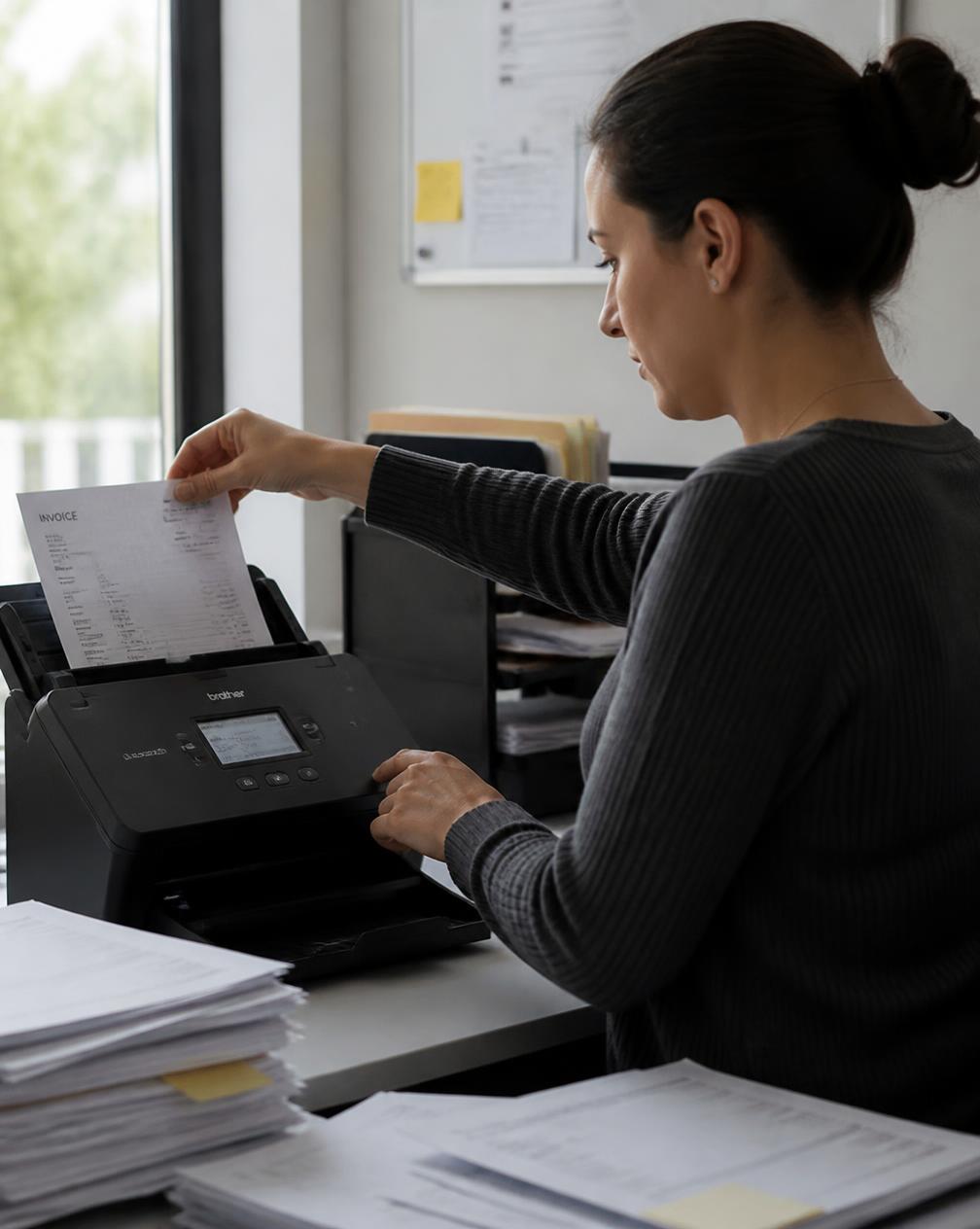
Get your processing workflow spec

Document-processing workflow: ingest/OCR → classify → extract → validate → human-review (exceptions) → write-back; with KPIs.
What good looks like.
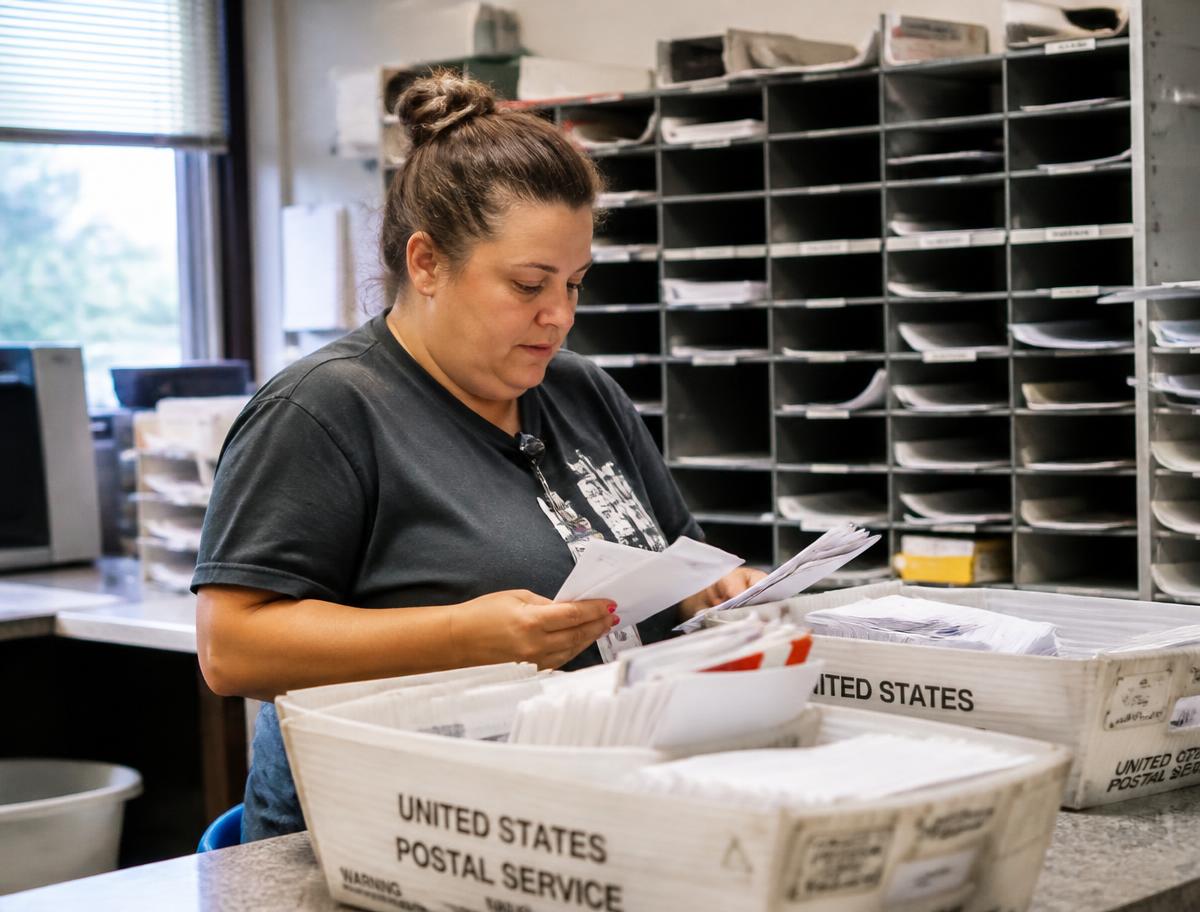
Documents are sorted by type before extraction even begins, so the right rules apply.
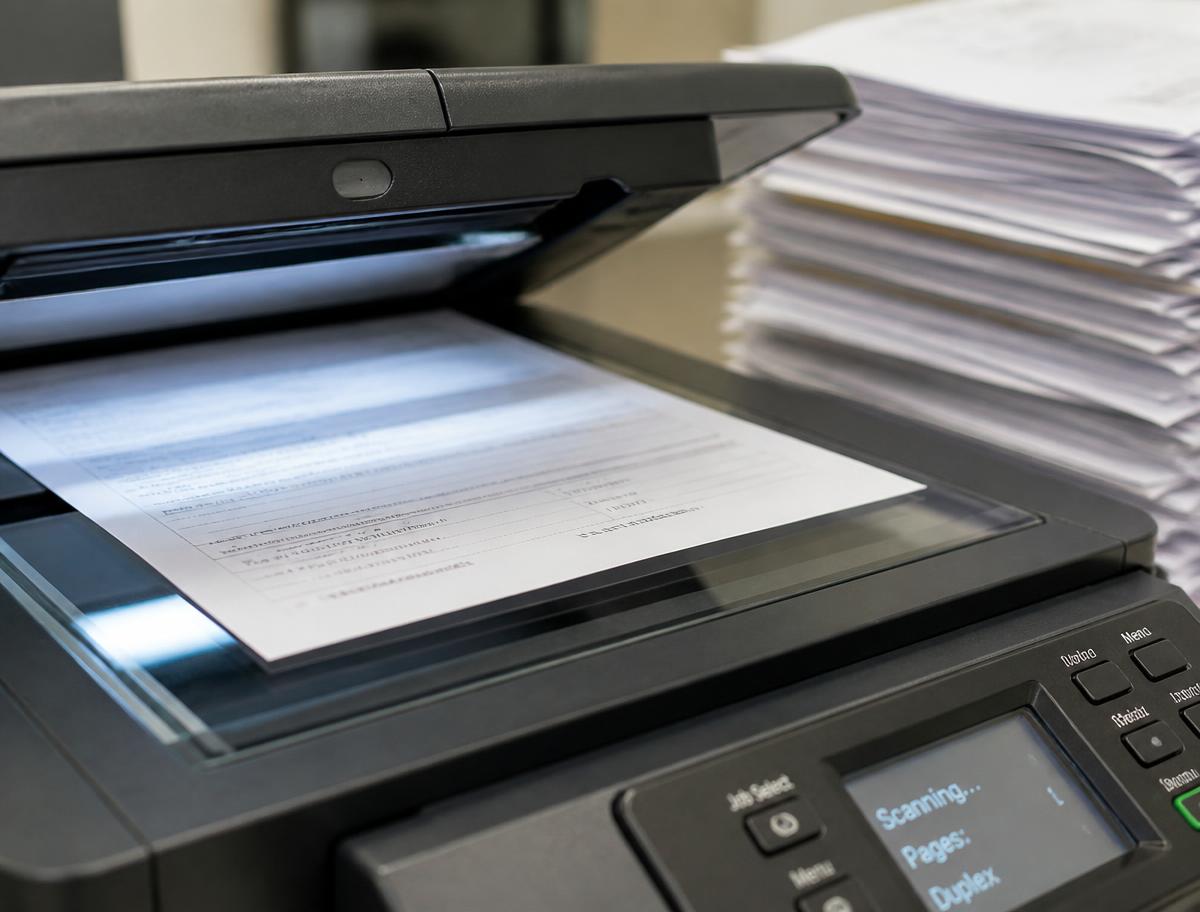
Each document type has its own set of fields to pull and a confidence threshold to clear.

Anything below the confidence bar lands in a queue for a person to check, not a guess.
What it must include
- 01Document-type taxonomy and field/schema definitions
- 02ingestion (OCR for scans) and classification
- 03extraction/validation rules with confidence thresholds
- 04human-in-the-loop review for low-confidence/exceptions
- 05target-system mapping and write-back (ERP/CRM/accounting)
- 06error-handling and audit trail
- 07data-validation (format, totals, cross-field)
- 08PII/security handling
- 09throughput/accuracy KPIs
- 10reconciliation
Signals of expertise
- ★Sets confidence thresholds that route low-confidence extractions to human review
- ★validates totals/cross-fields and keeps an audit trail
- ★handles OCR for scanned docs and PII security
Common mistakes
- ×Full automation with no confidence threshold/human exception path
- ×no validation or audit trail
- ×ignoring OCR/scan quality
- ×no error handling

Frequently asked.
Is the AI Data Entry & Document Processing free to use?
Yes. You can generate a full a processing workflow spec for free with no signup and no credit card. An account is only needed if you want to save the result or download it later.
What do I need to provide to ai data entry & document processing?
3 fields: Document types, Fields, Target systems. Each field has an example placeholder shown in the form, so you always have a model answer to work from even if you're not sure what to type.
How long does it take?
Most people get a finished a processing workflow spec in under five minutes: fill in the inputs, generate, then copy the result into ChatGPT, Claude, or Gemini. Most users reach an 80–90% ready result within 1–3 passes.
Which AI model does it work with?
The output is a portable prompt and template - it works with GPT, Claude, Gemini, or Perplexity. You paste it into whichever model you already use; nothing is locked to one vendor.
What makes a good a processing workflow spec?
It should include: Document-type taxonomy and field/schema definitions; ingestion (OCR for scans) and classification; extraction/validation rules with confidence thresholds; human-in-the-loop review for low-confidence/exceptions; and more. The tool is pre-loaded with these criteria so the generated draft already covers them.
You might also like.
AI Data Enrichment Workflow
Get enrichment workflow - just enter records, fields, sources.
AI Invoice Processing Workflow
Get invoice workflow - just enter invoice types, systems.
AI Knowledge Base Builder
Get KB workflow spec - just enter content sources, teams, update cadence.